

Updated November 21, 2026
When a computer goes from running fine to running slow overnight, something changed: usually an update, a new program, a drive that filled up, malware or a drive that’s starting to wear out. Each one leaves clues, and you can check most of them yourself before you spend a dime.
I’m Scott Lantow at Revival Tech Solutions in Loves Park, serving the Rockford area. I’ve been fixing slow computers for over 10 years, and here’s the order I check things in.
Why is my computer slow after an update?
Big Windows and Mac updates keep working after you restart. They index files, finish installing and sometimes rebuild settings, and that can make a computer crawl for a day or two. If the slowdown started right after an update, leave the computer on and plugged in for a few hours, then restart it once more. If it’s still slow a couple of days later, the update may have gone wrong, and that’s worth a look.
Is startup software slowing my computer down?
Every program that opens at startup eats memory before you even click anything. New software, printer tools and game launchers love to add themselves to that list.
- On Windows, press Ctrl + Shift + Esc, open the Startup apps tab and turn off anything you don’t need running all the time.
- On a Mac, open System Settings, then General, then Login Items, and remove what you don’t use.
If you’re not sure what something is, leave it on. Turning off the wrong thing can cause new problems.
Can a full drive make my computer slow?
When the drive is nearly full, the computer runs out of room for the temporary files it uses while you work, and everything slows down. I wrote a whole guide on how low storage causes lag with the safe cleanup steps.
Could a virus make my computer slow?
Yes. Malware runs in the background, uses up your processor and internet and often shows up with pop-ups, a new browser homepage or programs you never installed. If you’re seeing any of that, read how to tell if your computer is hacked before you do anything else, and don’t call a number from a pop-up.
When a slow computer means the drive is failing
An older hard drive that’s wearing out gets slower before it quits. Clicking sounds, freezes when you open files, or errors about the disk are the warning signs. If you notice any of those, back up what matters right away and stop using the computer heavily until it’s checked. This is the one cause where waiting can make things worse.
When should I bring a slow computer in?
Bring it in if it’s still slow after the steps above, if you see the failing-drive warning signs, or if you’d rather not dig through settings yourself. That’s exactly what a computer tune-up is for.
An RTPro Software TuneUp L1 runs $100 to $199, and an L2 runs $200 to $400. There’s no diagnostic fee, and I always check with you before I move a job up a level or charge more. Most tune-ups take 2 to 4 days, and you get a plain-English report of what I found and fixed. If the drive itself is the problem, I’ll tell you that before any hardware work.
Not sure which level you need? Here’s what each tune-up includes.
Slow computer questions
Why is my laptop slow all of a sudden but my desktop is fine?
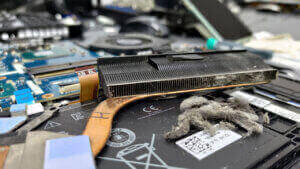
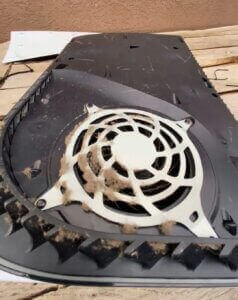
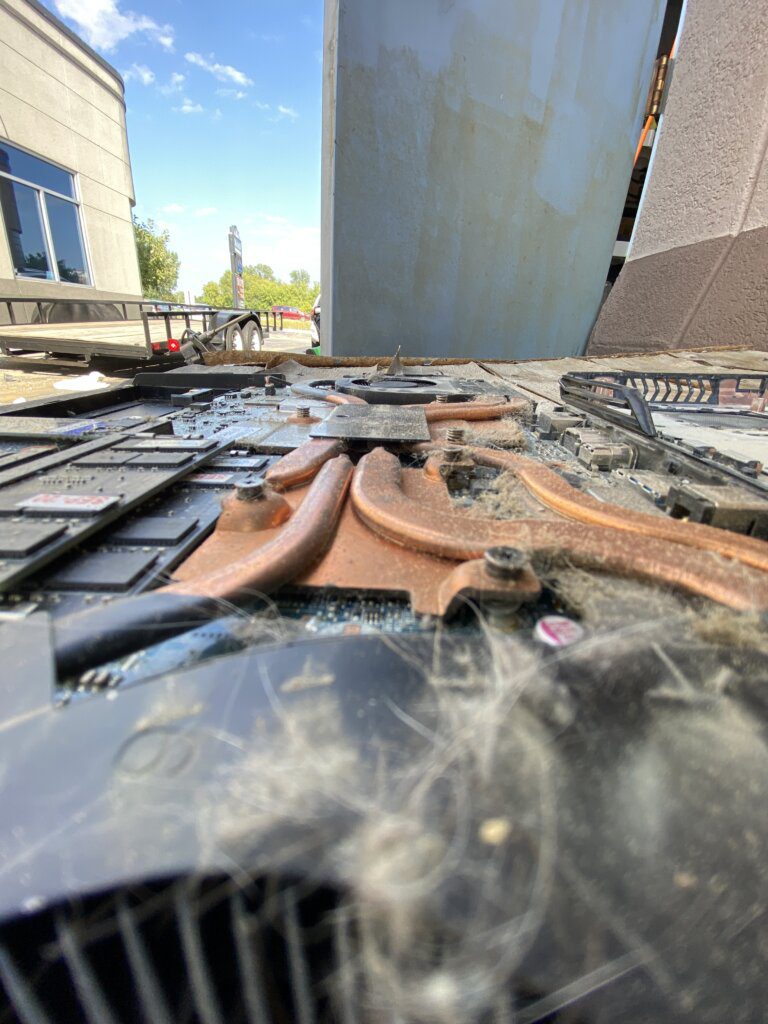
Laptops slow down to protect themselves when they run hot or when the battery saver kicks in. Make sure the vents aren’t blocked and it’s plugged in, then check the steps above.
Will restarting fix a slow computer?
Sometimes. A restart clears memory and finishes stuck updates, so it’s always the first thing to try. If the slowdown comes right back, something else is going on.
Do I need a new computer if mine is slow?
Usually not. Most slow computers I see get running well again with a tune-up, a cleanup or a bigger drive. If the machine is too old to be worth it, I’ll tell you that straight.
How much does it cost to fix a slow computer?
At Revival Tech, a software tune-up runs $100 to $199 for Level 1 and $200 to $400 for Level 2, with no diagnostic fee. I check with you before charging more.
Get your computer running right again
Over 11,000 customers in the Rockford area have trusted me with their computers, with a 4.8-star rating. Check in online, or text or call the shop at (815) 957-6533.