

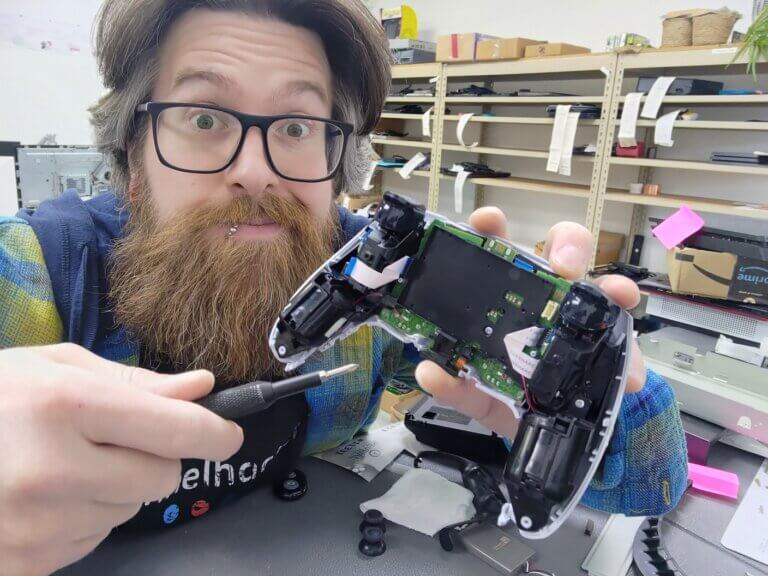
TL;DR (Stick Drift Fix — Fast Path)
Stick drift usually happens because stock analog sticks wear out (potentiometer parts physically rub and degrade over time). Quick fixes can help, but if it’s true wear, it will keep coming back unless you repair/upgrade the stick.
Try this first (5–10 minutes):
1) Increase deadzone in-game (quick band-aid)
2) Update controller firmware (Xbox/PS5/Switch)
3) Run calibration (especially on Switch)
4) Clean around the stick base (safe cleaning only — don’t flood it)
If drift still happens after that: it’s almost always hardware wear → the real fix is stick module replacement.
My recommendation (best long-term fix): I replace worn sticks with magnetic (Hall/TMR-style) sticks that don’t rely on the same wear-prone contact method; basically better than factory, so you’re not buying controller #3 like it’s a subscription.
Quick answer: If your controller is drifting, test deadzone + firmware + calibration + safe cleaning; if it still drifts, the stick module is worn and needs repair (or a magnetic stick upgrade for a longer-lasting fix).
The real reason drift keeps coming back
Most stock first-party controllers (PS5 DualSense, Xbox Series, Switch Joy-Cons/Pro, etc.) use a style of analog stick that relies on potentiometers, a physical “wiper” rubbing on a resistive track to measure movement. Over time, that contact wears down and your “center” slowly stops being center. iFixit has a great breakdown of how potentiometer wear leads to drift.
That’s why people get stuck in the loop:
Buy controller → drift → buy controller → drift again.
And yeah… it’s wild that we’re still here.
The upgrade that breaks the loop: magnetic sticks
There’s better tech: magnetic sensing sticks (commonly called Hall effect; newer variants like TMR also exist). Instead of relying on a part rubbing on a track, magnetic sensors detect position without that same wear surface. Hall effect sensors are contactless and are specifically used to combat drift problems seen in potentiometer-based sticks.
Translation:
You’re not waiting for the big companies to “finally fix it.” You just fix it.
This is what I install all the time for:
– PS5 stick drift
– Xbox Series stick drift
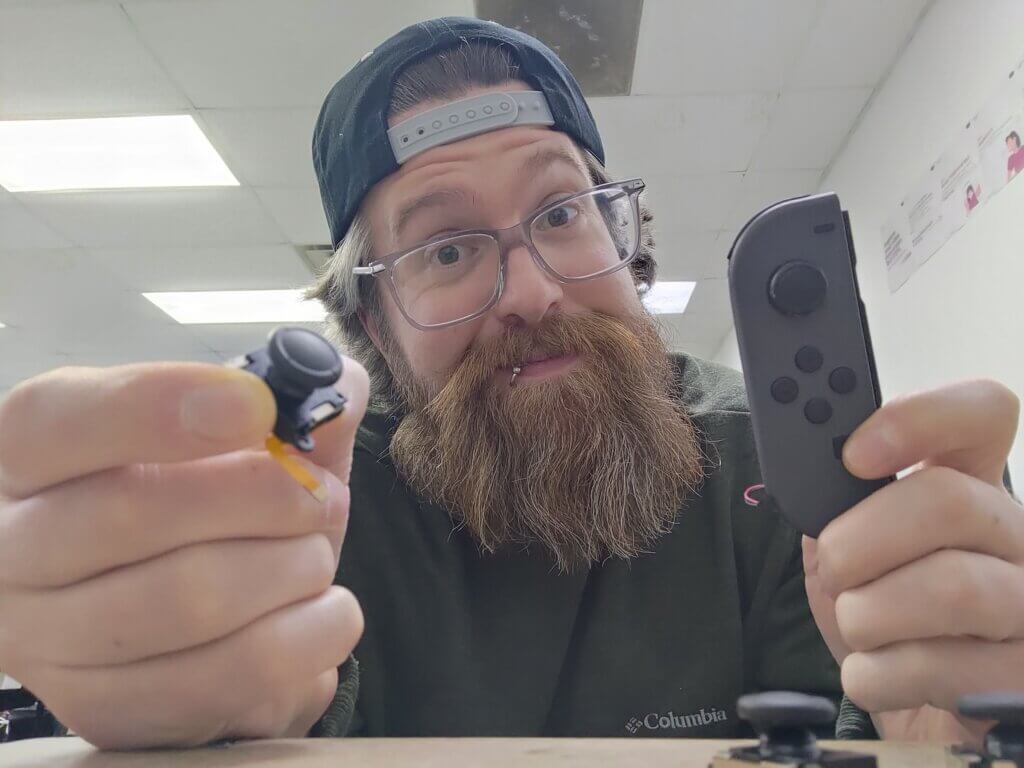
– Switch stick drift
If you love your controller and want it to last, this is the move.
5-Minute Drift Test (do this before anything else)
1) Rule out game settings (deadzone)
If drift is mild, raising your in-game deadzone can instantly “hide” it.
It’s not a real repair — it’s a band-aid — but it’s a fast way to confirm the symptom.
2) Update firmware (this actually matters)
– Xbox controllers: Microsoft’s official instructions include updating via console, USB, or PC using the Xbox Accessories app.
– Switch: calibrate and test sticks via Nintendo’s official steps.
– PS5 DualSense: if it’s glitchy/unresponsive, Sony’s official support walks you through resetting the controller.
3) Calibrate on Switch (quick win)
Nintendo’s official calibration path:
System Settings → Controllers and Sensors → Calibrate Control Sticks.
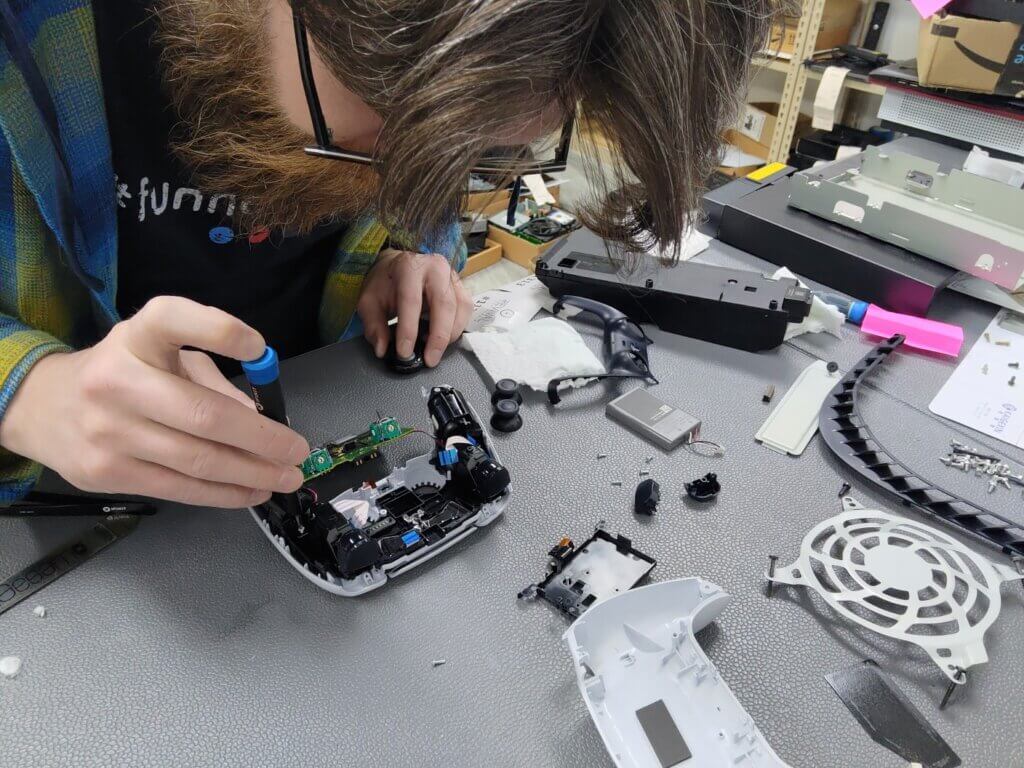
4) Clean the stick base (safe method)
A lot of drift starts with junk around the stick.
I’d always with cleaning around the analog stick before anything deeper.
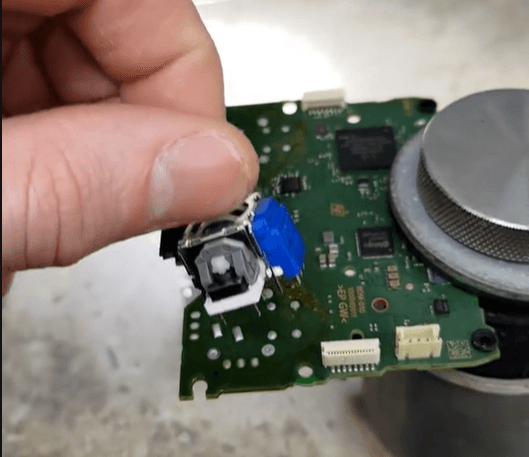
Basic safe approach:
– Power off
– Use compressed air around the stick base
– Lightly clean the stick base edge (with a q-tip and isopropyl alcohol, it’s ok to kind of soak it) and let it fully dry
If you’re thinking about spraying random chemicals into your controller… don’t.

When DIY stops being smart
If you’ve tried:
– deadzone tweaks
– firmware updates
– calibration (where available)
– basic cleaning
…and it still drifts, it’s usually wear inside the stick mechanism — the exact potentiometer wear problem described above.
At that point, you’re either:
– replacing the stick module the normal way, or
– upgrading to magnetic sticks so you’re not playing “when will it drift again?”
Also: doing a proper stick replacement can require soldering and isn’t “YouTube easy” for most people. Even iFixit calls DualSense joystick replacement an intermediate soldering repair and notes it’s difficult.
Stick drift repair in Rockford: how it works at Revival Tech
I keep this simple:
1) Start Ticket (2 minutes)
2) Drop off your controller
3) I diagnose + repair (and if you want, upgrade the sticks)
You get your controller back feeling right — without wasting a weekend fighting it.

Don’t keep buying controllers like it’s a subscription
Real talk:
If you already KNOW your controller is going to drift again someday, buying another stock controller isn’t a “fix.” It’s just paying the drift tax.
If you want the controller you already like to last:
get it repaired and upgraded.

FAQ
Is stick drift always hardware?
Usually, yeah. Sometimes it’s debris or calibration, but the most common long-term culprit is potentiometer wear.
Will magnetic sticks 100% guarantee no drift forever?
Nothing in electronics is immortal, but magnetic sensing avoids the specific wear mechanism that causes most classic stick drift in potentiometer sticks.
Can I do the upgrade myself?
You can, but it’s not beginner-friendly on many controllers (soldering, board risk, tiny parts). iFixit’s DualSense guide is very clear about the skill level needed.
Quick Checklist
- Test deadzone
- Update controller firmware
- Switch: calibrate control sticks
- PS5: reset DualSense if needed
- Clean around stick base first
- If it persists: repair/upgrade instead of buying controller
If you want the “shortest path to fixed,” start your ticket and bring it in.