
Most 5 Star Rated Tech Shop In Rockford Area
Hours: MTTF 11a – 6p / S S Appt


Locally Owned Rockford Business
We install SSD and RAM upgrades at our Loves Park shop, just north of Rockford. If you just bought a new computer, we also handle new computer setup and transfer files to the new computer so it’s ready to use.
Over 11,000 customers
Most 5-Star Rated at 4.8 stars
10+ years in business
No diagnostic fee
These four jobs bring in the most upgrade and new computer setup work to our shop.
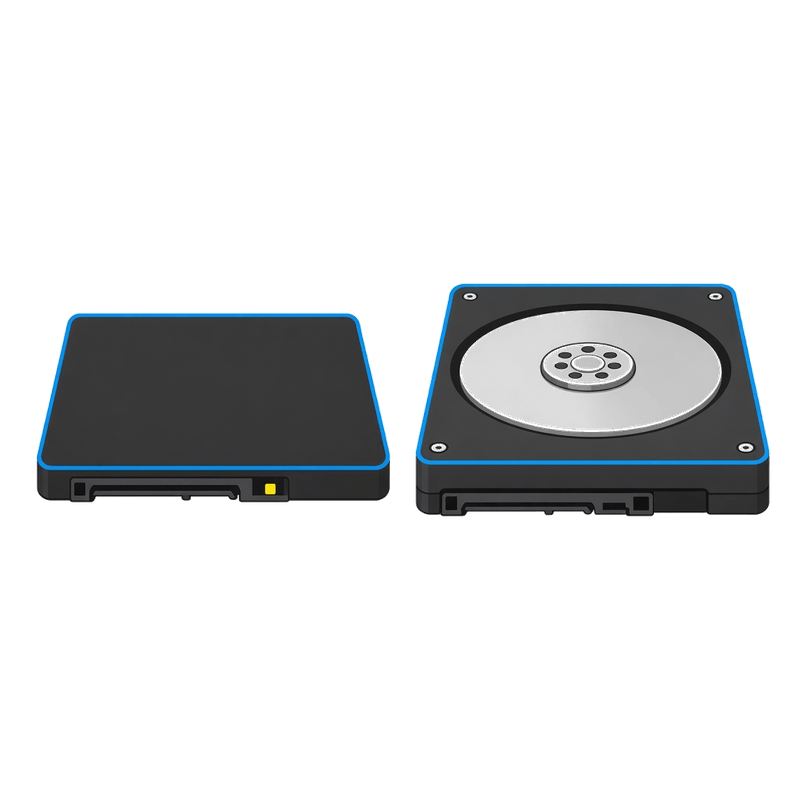
If your computer has gotten slow because the old hard drive is holding it back, we can install a solid-state drive and move your files over to it.
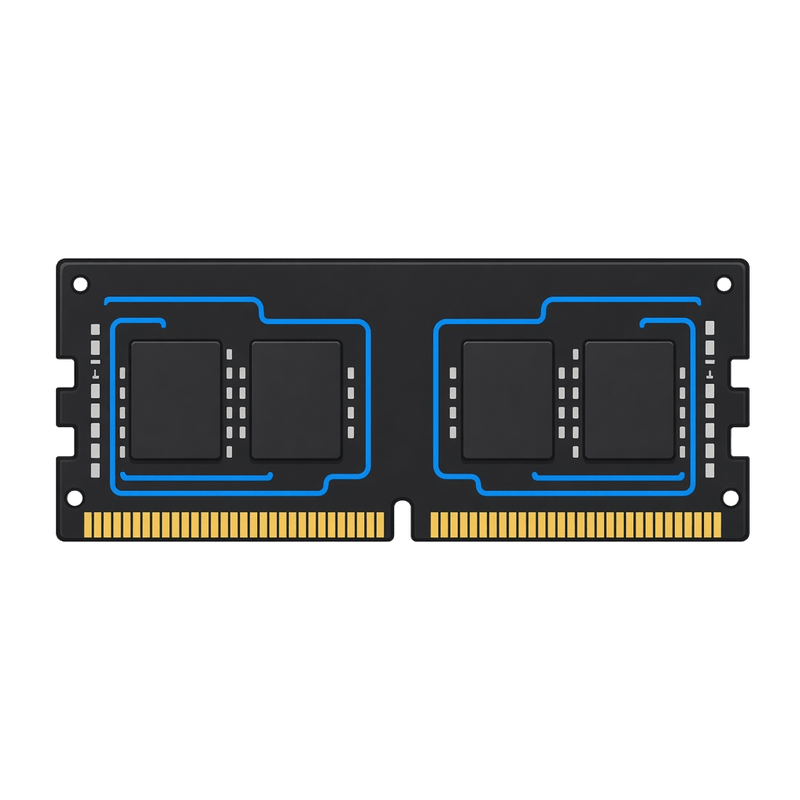
If your computer slows down when several programs are open, we can install a RAM upgrade so it has more room to work.
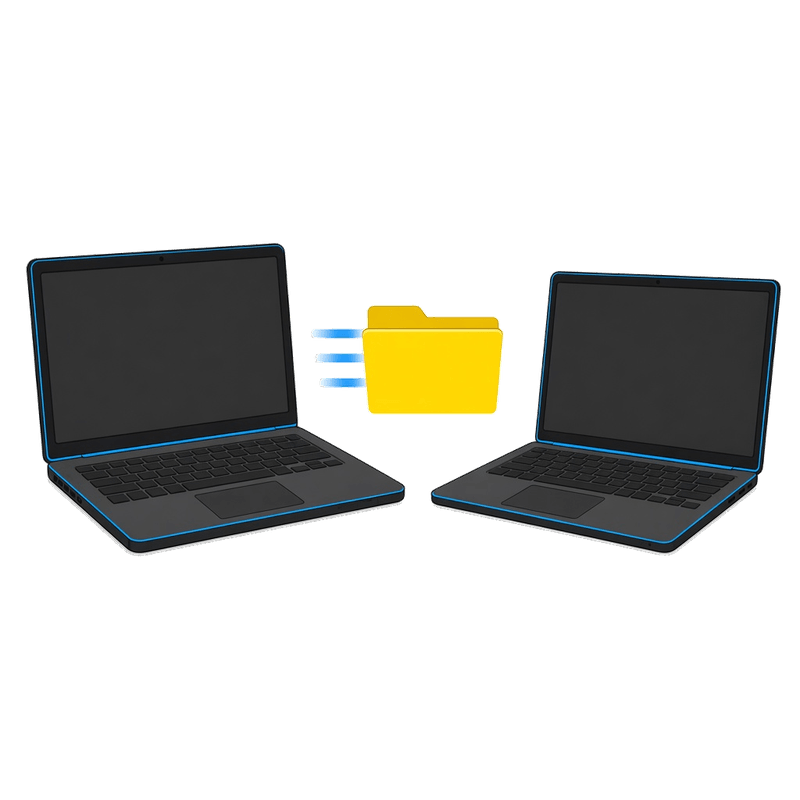
If you just bought a new computer, we set it up, transfer files to the new computer, and set up the programs you still need so it’s ready to use.
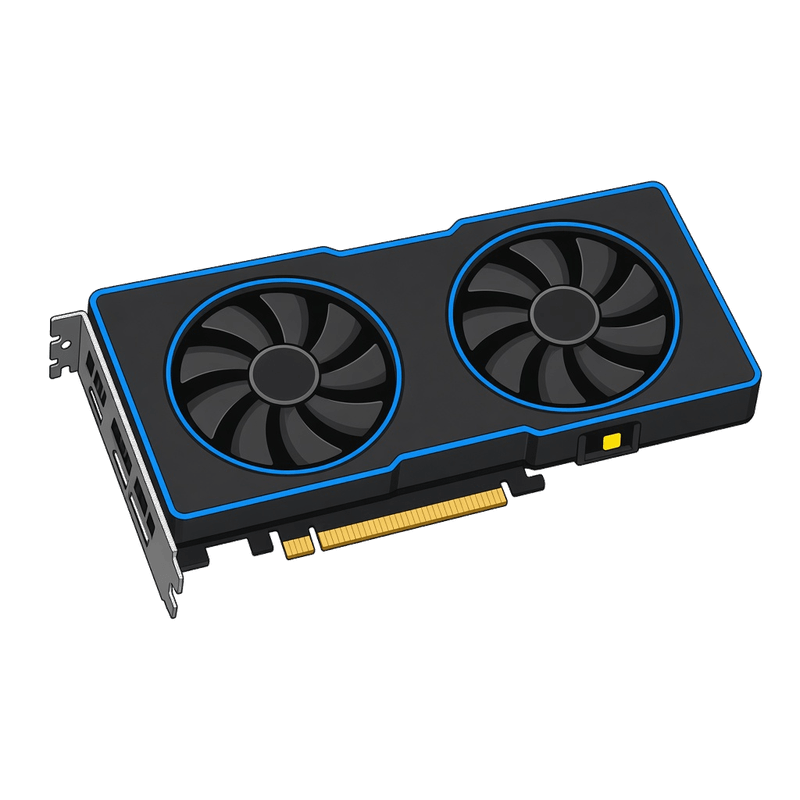
If you want a new graphics card or a gaming PC upgrade, we cover that on our gaming PC page, including custom gaming PC builds from $400 labor.
We also help when an old computer isn’t worth upgrading. We’ll tell you that up front and help you move your files to a new one.
We generally use new parts, which is the best way to go. Used parts are an option when it makes sense and you want to cut the cost.
After every job, you get a plain-English report of what we found and what we did.
“I also had Scott install a SSD. The fee was reasonable, the computer came back to me running lightning fast, with all files backed up and reinstalled.”
Anne Weisheit
If your computer is slow because of startup clutter, stuck updates or a software mess, start with a tune-up. This page is for new parts, like an SSD or RAM upgrade, and for new computer setup.
Most slow computers just need startup clutter, stuck updates or an old drive dealt with. Tune-ups usually take 2 to 4 days.
If the computer won’t boot, has no power, or needs a repair instead of an upgrade, that’s the next stop.
Here’s what happens when you bring a computer to Revival Tech Solutions in Loves Park for an upgrade or a new computer setup.
Start online, walk in during shop hours, or call or text (815) 957-6533. Bring the computer and the charger. If you want us to transfer files to a new computer, bring the old one too, plus any passwords we need to get your files off it.
We look at the computer and tell you in plain English what is worth doing and what it costs. Nothing starts until you say yes. No diagnostic fee; a $50 deposit starts the job.
We do the upgrade or the new computer setup, test it and let you know when it’s ready, with a plain-English report. If the job needs parts, we give you a time estimate with your quote. If we can’t complete the work, we keep the $50 deposit to cover our time.
It depends on the computer and the part, and you get a quote before any work starts. There’s no diagnostic fee, and a $50 deposit starts the job. Call or text (815) 957-6533 for an estimate.
Yes. New computer setup includes transferring your files to the new computer and setting up the programs you still need, so the new machine is ready to use. Bring the old computer in with the new one.
A tune-up is software cleanup, like startup clutter and stuck updates. An upgrade is new parts, such as an SSD upgrade or a RAM upgrade. If you just bought a machine, that’s new computer setup, not a tune-up. Software speed work is covered on our computer tune-up page.
If the job needs parts, we give you a time estimate with your quote. Software jobs and tune-ups usually take 2 to 4 days.
We generally use new parts, which is the best way to go. Used parts are an option when it makes sense and you want to cut the cost.
No. A $50 deposit starts the job, and the rest is paid at pickup. If we can’t complete the work, we keep the $50 deposit to cover our time.
Yes. Walk in Monday, Tuesday, Thursday or Friday from 11 AM to 6 PM at 4162 N Perryville Rd, Loves Park, IL 61111. We’re closed Wednesday. Weekends and before 11 AM are by appointment.
If an SSD upgrade, a RAM upgrade or another part will cost less than replacing a computer that is otherwise in decent shape, upgrade it. If it would cost more than the computer is worth, we’ll tell you up front and help you transfer files to a new computer.
Check in online, text or call (815) 957-6533, or walk in during shop hours.
Revival Tech Solutions, 4162 N Perryville Rd, Loves Park, IL 61111
Cookies on this site help remember your preferences for this site only, and help show me what like or don't like. So if that's ok with you, feel free to hit 'Sure' to close this box.